

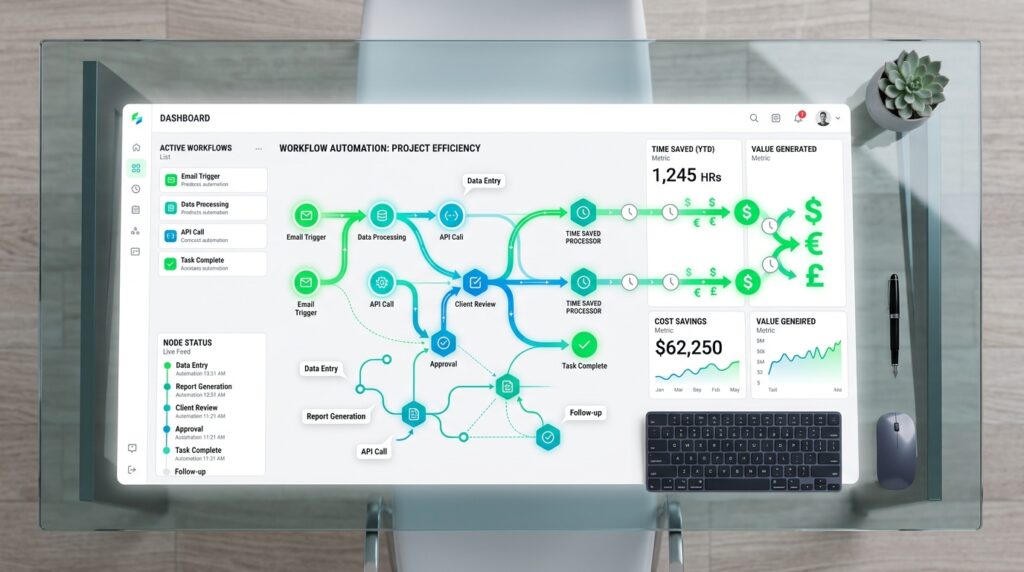
The average professional spends 2.5 hours per day on email, 1.5 hours on data entry, and another hour on meeting prep and follow-ups. That’s 5 hours daily on tasks that AI workflow automation can handle in minutes.
This isn’t theoretical. A 2024 Stanford study of 750 knowledge workers found that those using AI workflow automation tools saved an average of 22 hours per week — the equivalent of a part-time employee.
What Is AI Workflow Automation?
AI workflow automation connects your apps, data, and processes through intelligent systems that trigger actions, make decisions, and complete tasks without manual intervention. Unlike simple ‘if-then’ Zapier zaps, modern AI workflows can interpret natural language, extract meaning from unstructured documents, and adapt to exceptions.
The 5 Workflows to Automate First (Ranked by Time Savings)
1. Email Management and Triage (Save: 8–10 hours/week)
Email is the single biggest time drain for knowledge workers. AI can automatically:
- Classify incoming emails by priority, topic, and required action
- Draft replies based on your writing style and past responses
- Schedule follow-up reminders when no reply is received
- Extract action items and add them to your task manager
Tools: Superhuman AI, SaneBox, or a custom Gmail + OpenAI workflow via Make.
2. Report Generation and Data Aggregation (Save: 4–6 hours/week)
Most recurring reports follow predictable templates. AI workflows can pull data from Google Analytics, Salesforce, or your database — format it, analyze it, and deliver a ready-to-present report every Monday morning without you touching a spreadsheet.
Tools: Coefficient, Rows.com, or Power Automate + Excel with AI Builder.
3. CRM Data Entry and Lead Enrichment (Save: 3–4 hours/week)
AI can auto-fill CRM records by extracting contact details from email signatures, LinkedIn profiles, and business cards. Lead enrichment APIs (Clay, Clearbit, Apollo) then append company size, revenue, tech stack, and intent signals automatically.
4. Meeting Scheduling and Follow-Ups (Save: 2–3 hours/week)
AI scheduling assistants like Reclaim.ai and Motion automatically find the best meeting times based on your calendar and energy patterns. Post-meeting, AI transcription tools (Otter.ai, Fireflies.ai) generate action items and send follow-up emails within minutes of the call ending.
5. Content Repurposing (Save: 3–5 hours/week)
A single long-form blog post can be transformed into 12 pieces of content: LinkedIn post, Twitter/X thread, email newsletter, 5 social graphics, 3 short-form videos, and a podcast outline — all automatically using AI workflow tools.
Tools: Make + Claude API, Castmagic, or Repurpose.io.
Step-by-Step: Build Your First AI Workflow in 60 Minutes
- Pick ONE workflow to start — email triage or report generation work best for beginners
- Map the current manual process: list every step, decision point, and app involved
- Choose a workflow tool: Make (visual, no-code) or n8n (developer-friendly)
- Build the trigger: ‘When new email arrives in [folder]…’ or ‘Every Monday at 8 AM…’
- Add an AI step: Connect to OpenAI or Claude API with a clear prompt
- Set the output action: Update CRM, send Slack message, create Notion doc
- Test with 10 real examples and iterate on the AI prompt until accuracy exceeds 90%
- Monitor weekly — review edge cases and update your prompt monthly
🛠 Starter Template: Weekly Marketing Report Automation Trigger: Every Monday 7AM → Pull GA4 traffic data (Google Analytics connector) → Pull lead data from HubSpot → Send both to Claude with prompt: ‘Analyze this data and write a 300-word executive summary with 3 key insights and action items’ → Format output → Send to Slack #marketing-team channel. Build time: ~45 minutes. Time saved: 3 hours/week. |
Common Mistakes to Avoid
- Automating a broken process — fix the workflow before you automate it
- Over-automating high-stakes decisions — keep humans in the loop for anything client-facing
- Not testing with real-world edge cases before going live
- Ignoring error handling — always build failure notifications into your workflows
- Trying to automate everything at once — focus on one workflow at a time
Frequently Asked Questions
Q: Do I need coding skills to build AI workflow automation?
No. Tools like Make, Zapier, and n8n (cloud version) are fully no-code. You need logical thinking — understanding inputs, outputs, and decision points — more than technical skills.
Q: How much does AI workflow automation cost?
You can start for free with Make or Zapier’s free tiers. A robust set of workflows typically costs $50–200/month including AI API usage. Enterprise platforms range from $500–5,000/month.
Q: What happens when an AI workflow makes a mistake?
Always build error-handling steps that notify a human when the AI confidence score is low or when an exception occurs. Never fully automate actions that are irreversible (sending mass emails, deleting data) without a review step.
Conclusion
AI workflow automation is the highest-leverage investment a knowledge worker or business can make in 2025. Starting with just one workflow — email triage — can free up 8–10 hours per week that you can redirect to strategic, high-value work.
The technology exists. The tools are affordable. The only barrier is deciding to start.